Photo editor
Edit photos with GPT Image 2
Upload a photo and describe the change. Cinolix runs the GPT Image 2 edit option through a third-party provider for 1 credit per image. Cinolix is independent and not an OpenAI product.
The creative brief
Review before generationChecking your free preview availability…
Parameters
Starting directions
Requesting a price uploads the prepared reference to private storage. It is sent to the model provider only after you confirm generation.
Checking your free preview availability…

Ideas for your next edit
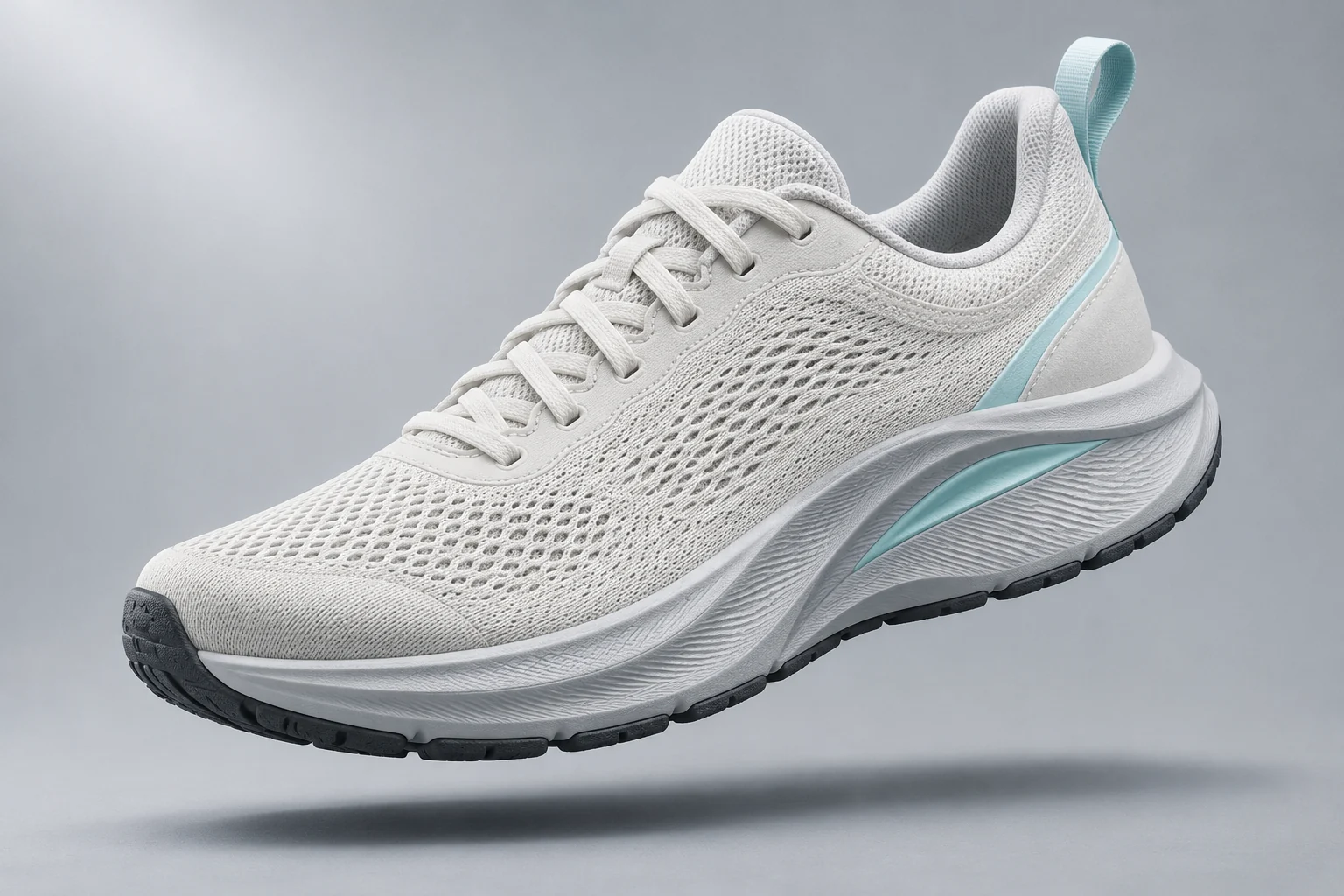
Original AI visual inspiration. Not verified outputs of this page’s model. Visual directions only, not before-and-after editing results.


Frequently asked questions
Can GPT Image 2 create an image from text only here?
No. On Cinolix this option edits an uploaded image. For text-only images, use Seedream 5 Pro or Nano Banana 2 Lite.
How much does it cost?
1 credit per image.
Is there a free try?
Eligible users may get a free watermarked preview with this option; it is not guaranteed.