A different setting
Describe the background and light in concrete terms: a pale studio backdrop, softer shadows or a warm indoor setting. Keep the first change small enough to judge.
Give your photo a new direction. Describe what should change and what should stay.
Checking your free preview availability…
Requesting a price uploads the prepared reference to private storage. It is sent to the model provider only after you confirm generation.
Checking your free preview availability…
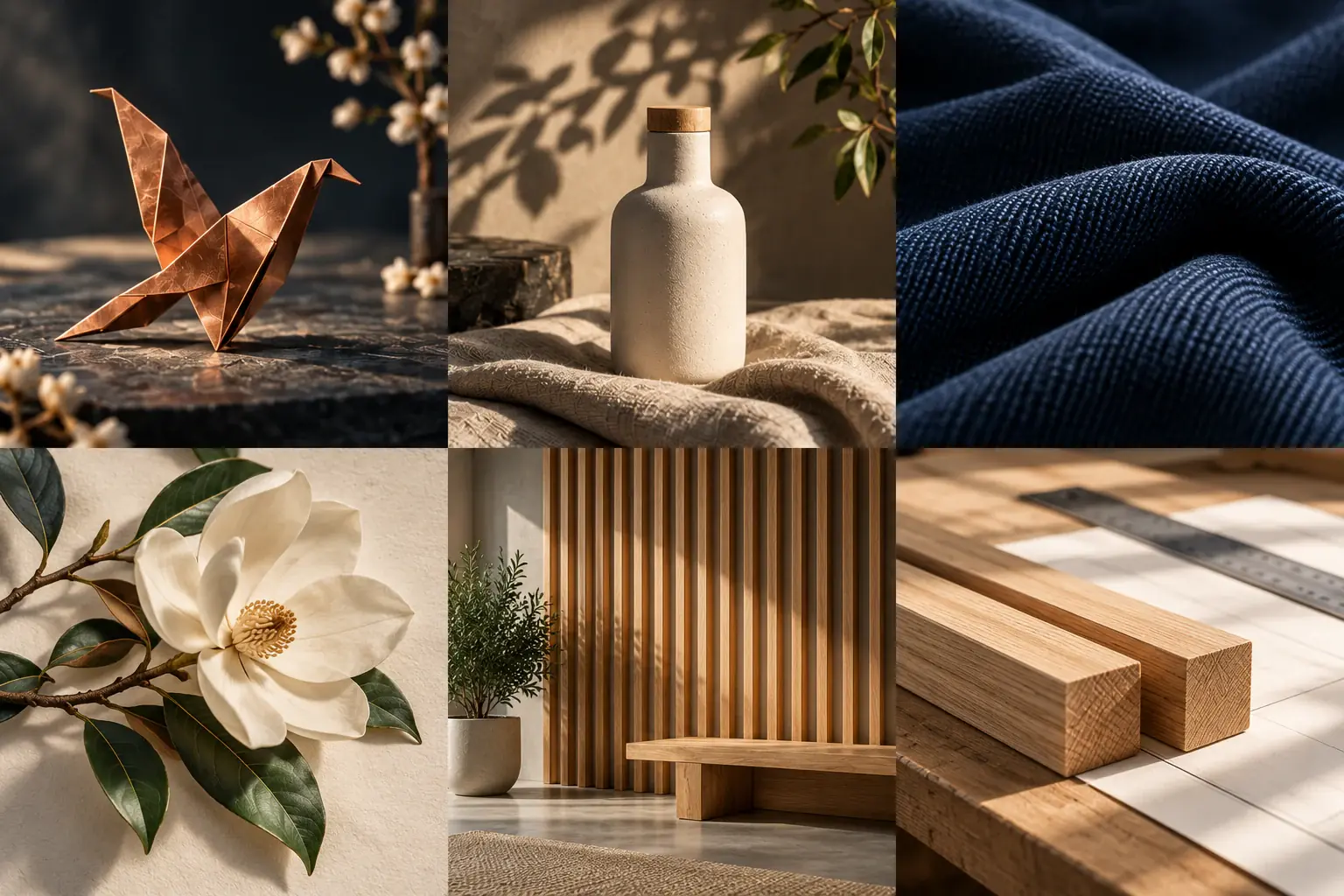
Image-to-image AI uses a source picture and a prompt to create a new version. Your photo supplies the subject and composition; your words describe the changes. Start with one clear change, then compare important details with the original.
Pick a photo with a visible main subject and readable edges. Use an image you own or have permission to edit.
Name a specific change to the setting, light or style, then list the shapes, colors or details you want kept.
Before an active request, check the reference-image model, framing and quoted credits. A credit pack is a balance, not a guaranteed number of edits.
Look closely at outlines, lettering, faces and small details. A new variation can change things you meant to keep.
Change the background to a simple warm studio setting. Keep the mug’s shape, handle and blue color.
Describe the background and light in concrete terms: a pale studio backdrop, softer shadows or a warm indoor setting. Keep the first change small enough to judge.
Use a few visual directions, such as softer colors or a drawn texture. Compare the new image with the source rather than assuming every detail will stay identical.
A broad image variation can affect the whole composition. Exact-region or mask-based editing is not offered in this page.
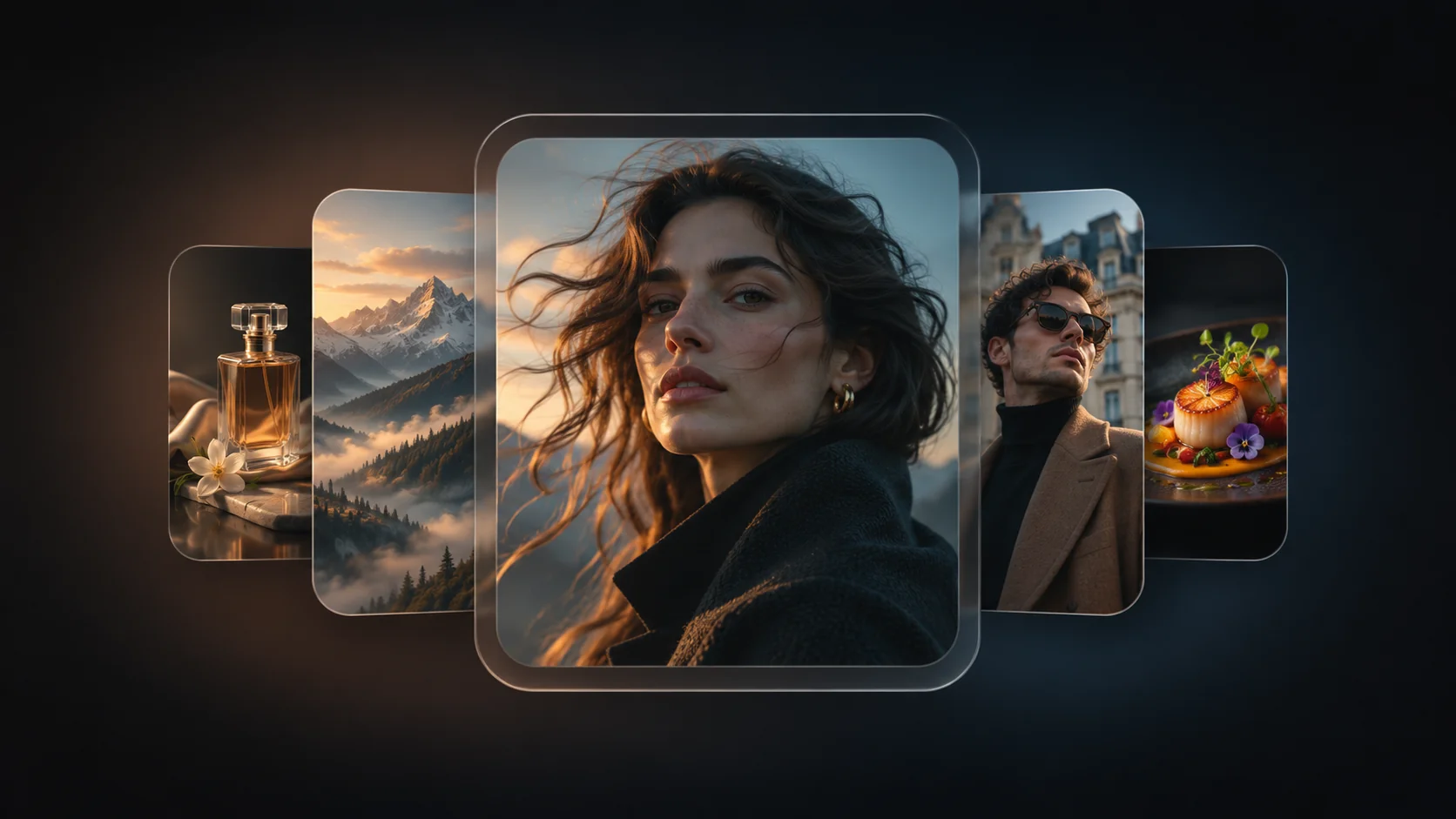
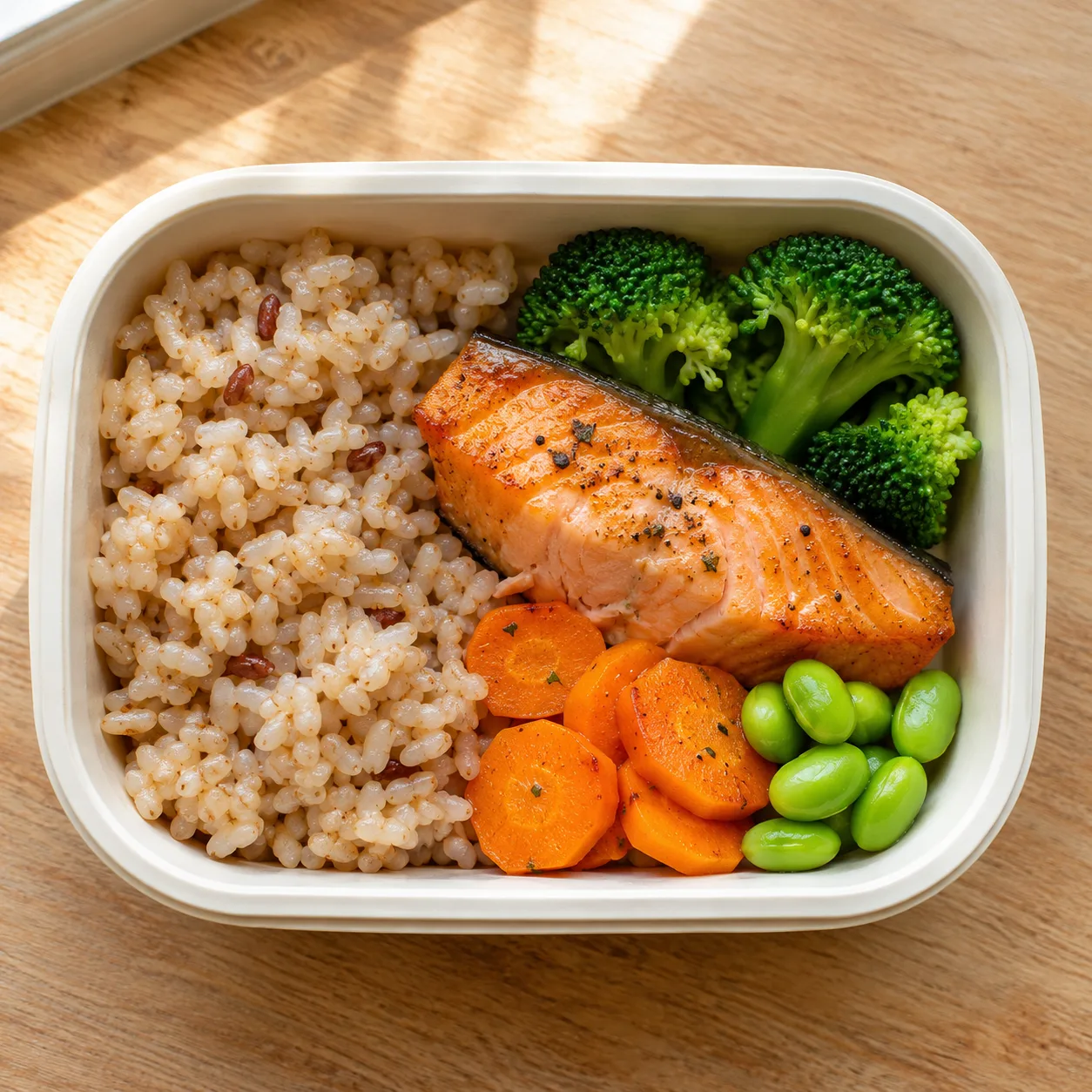
Illustrative AI images, not conversions generated by this tool. They do not establish editing accuracy or likeness.
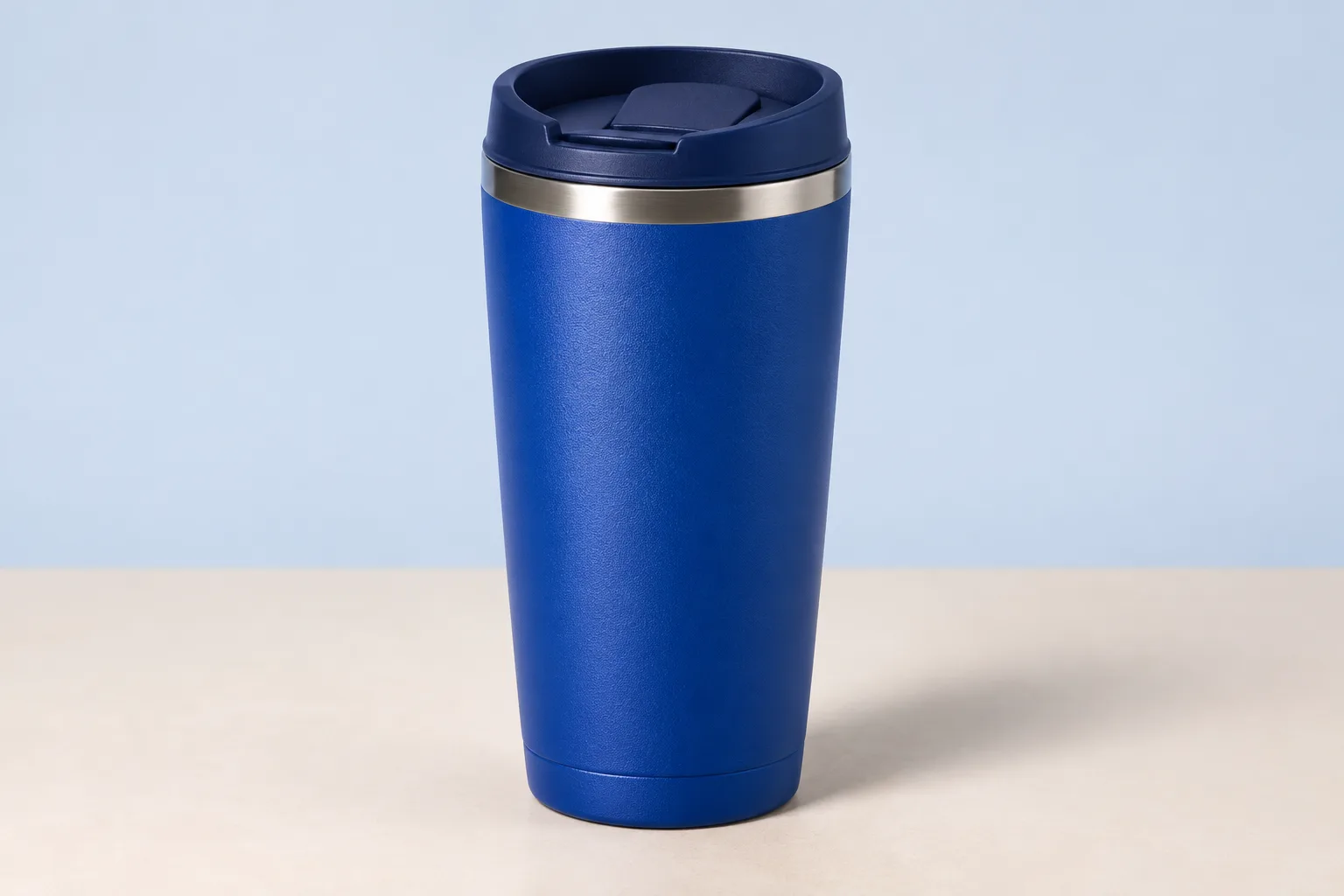
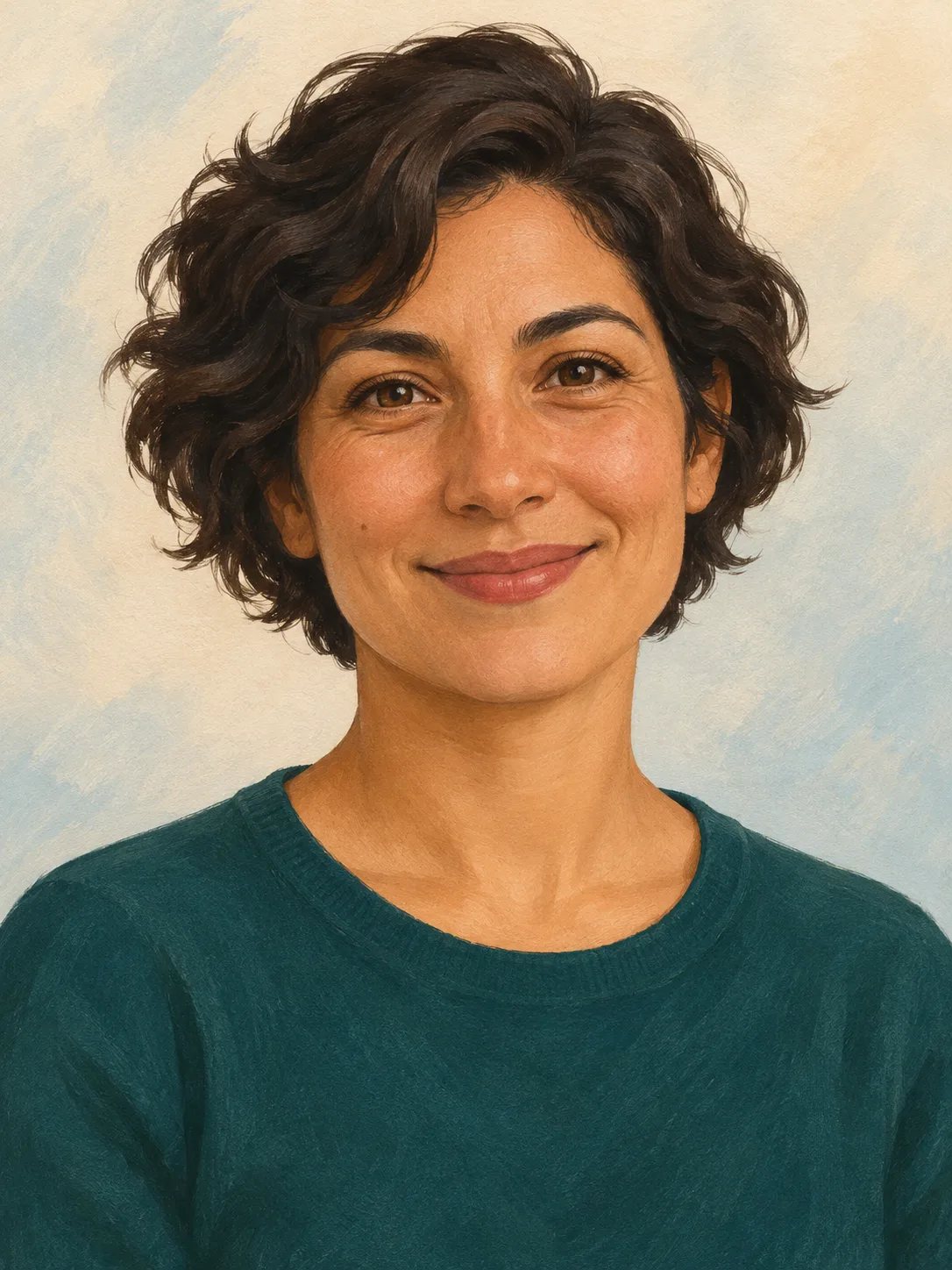
Say what should change, then name what should stay. “Use a pale background and softer light; keep the bottle’s shape and blue color” is easier to judge than “make it professional.”
A new version can change proportions, lettering or small details. Treat “keep” instructions as targets and compare the result against your source before using it.
An image variation may affect areas beyond the requested change. This page does not offer a verified mask or exact-region editing tool.
Choose a clear main subject with even lighting. A blurred, tiny or cluttered source makes important details harder to describe and compare.
Name the product’s distinctive features and the scene you want. For example, ask for a plain warm background while keeping the handle, proportions and label placement. Check any lettering carefully.
Choose Image to sketch for graphite lines and shading, or Photo to cartoon for a drawn illustration. They use different prompt presets for the same configured reference-image model.
Use the available image-to-image controls above. Requests remain subject to your allowance or credits, the displayed cost and safety checks. Review the result before downloading.
Check the result for errors and confirm rights to your source material. The current terms do not guarantee exclusive rights or clearance of third-party rights; this page makes no commercial-use promise.
One-time packs. No subscription or automatic renewal. Review the pack and its terms before checkout.
One-time credit pack
Review this pack in the secure pricing flow.
One-time credit pack
Review this pack in the secure pricing flow.
One-time credit pack
Review this pack in the secure pricing flow.
Selected: 40 credits. No order or payment has been created.
Review the Terms, Privacy policy and Refund policy before purchasing.
Refund requests are subject to the published 7-day policy and its conditions. Contact support if you need help choosing.
These guides offer ways to describe your task and check a result. Their features and output specifications do not describe this tool.