Give the drawing some volume
Ask for light graphite shading if you want form and depth. Describe where the shadows should feel soft instead of adding a long list of drawing styles.
Turn a photo toward a pencil-drawing look, with the lines and shading you describe.
Checking your free preview availability…
Requesting a price uploads the prepared reference to private storage. It is sent to the model provider only after you confirm generation.
Checking your free preview availability…
Photo-to-sketch AI uses a reference photo and a drawing instruction to create a sketch-style image. Fine lines, soft shading and a simpler background produce different creative directions. Choose the details that matter, then compare the drawing with the original photo.
Use a well-lit photo with a clear subject. Dark shadows and blur make it harder to judge whether a sketch keeps the important details.
Start with the pencil-sketch preset. Ask for fine graphite lines and light shading, or a cleaner outline with fewer interior marks.
Check the composition and quoted credits before an active request. Framing choices describe a direction; they do not guarantee print dimensions.
Compare the outline, eyes or product edges with the original. Check the actual pixel dimensions before choosing a print size.
Draw the main subject as a pencil sketch on a plain light background. Keep its outline and pose. Use fine graphite lines, light shading and less background detail.
Ask for light graphite shading if you want form and depth. Describe where the shadows should feel soft instead of adding a long list of drawing styles.
Ask for fewer interior lines and a plain background when you want a clear outline. If the source is busy, prepare a simpler crop in your own editor first.
A sketch label or a DPI tag does not establish print quality. Check actual file dimensions at the intended print size. No vector, stencil or print-ready export is promised here.
Illustrative AI images, not conversions generated by this tool. They do not establish editing accuracy or likeness.
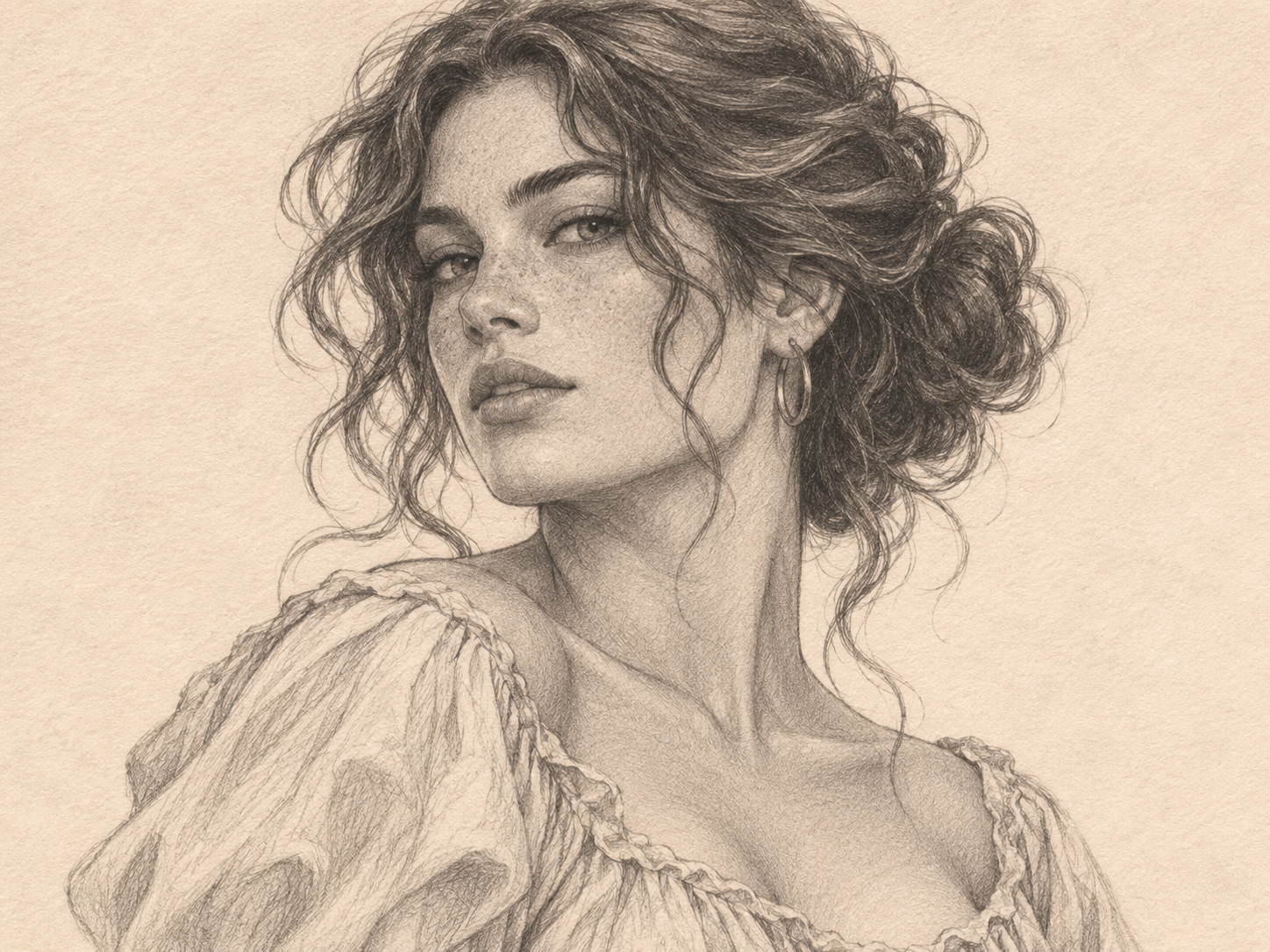
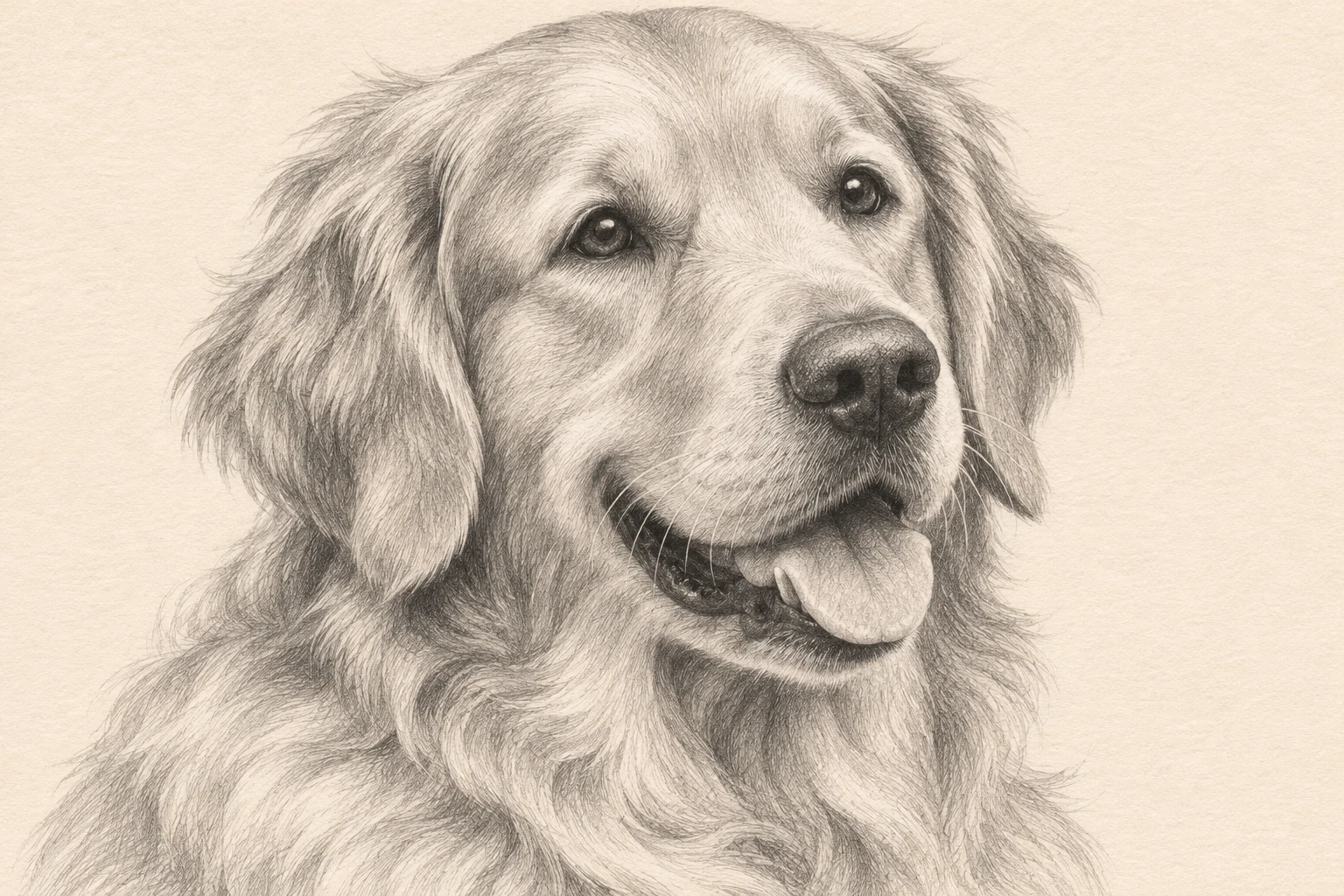
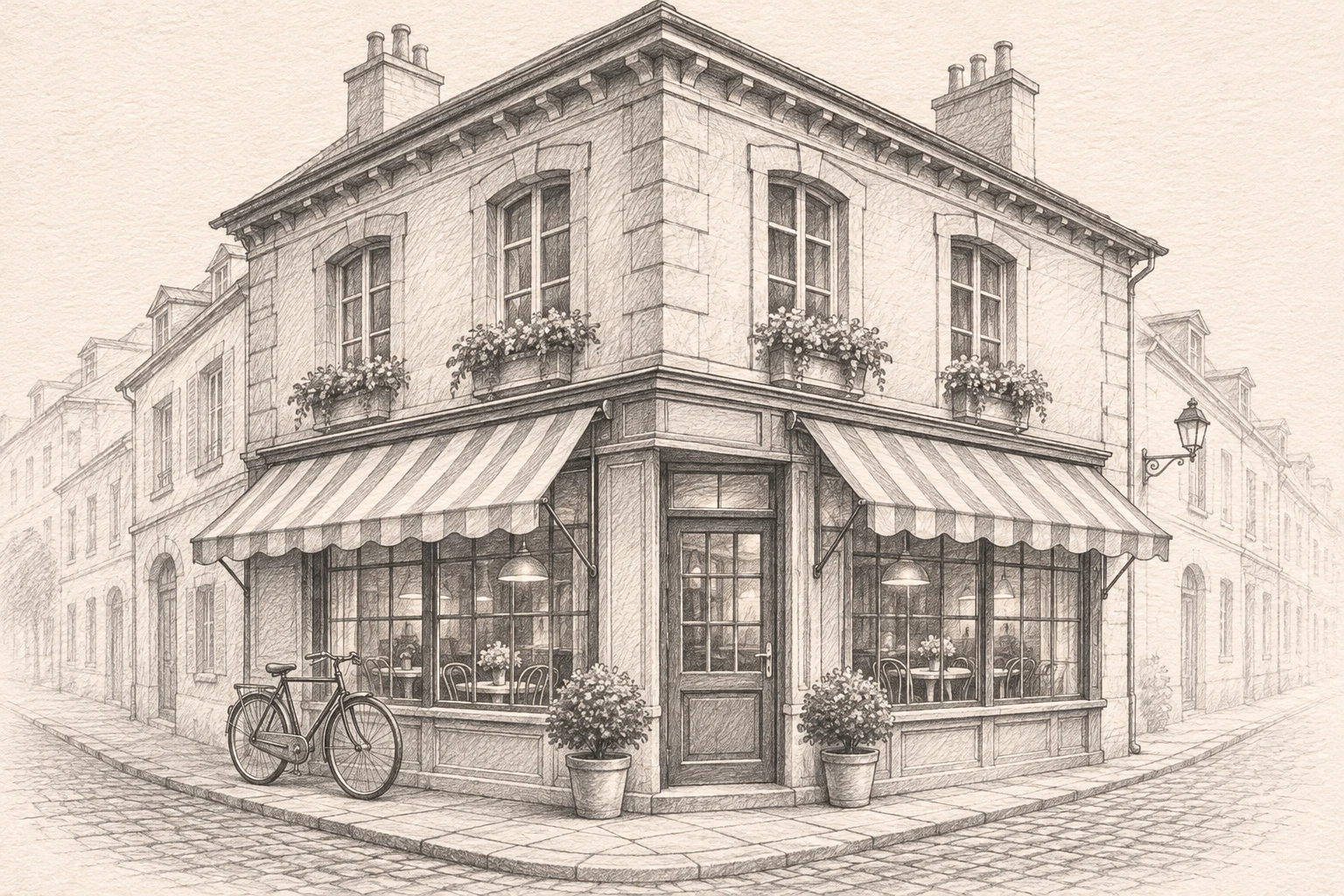
Ask for simple contours, fewer interior lines and a plain background. If you want more depth, add light graphite shading rather than heavy cross-hatching.
Texture, background objects and deep shadows can become extra marks. Use a clearer source and ask for less background detail and fewer interior lines.
Start with a better scan or a brighter photo if you have one. A sketch instruction is not a photo-restoration feature, and it cannot guarantee recovery of missing details.
They describe the same workflow here. Both use a reference image with the pencil-sketch prompt preset, not two separate models.
Print suitability depends on actual pixel dimensions and the print size. Inspect the finished file before printing; this page does not provide a print-ready file or promise 300 DPI.
No vector or production-stencil export is provided here. A drawing-style raster image should not be treated as a vector path or a ready-to-use production template.
Use the available reference-image controls above with the sketch preset. Review your source, prompt, settings and displayed cost before confirming a request.
You need the relevant rights to the source photo and must check the output and applicable model terms. A generated sketch does not itself establish commercial permission or exclusive rights.
One-time packs. No subscription or automatic renewal. Review the pack and its terms before checkout.
One-time credit pack
Review this pack in the secure pricing flow.
One-time credit pack
Review this pack in the secure pricing flow.
One-time credit pack
Review this pack in the secure pricing flow.
Selected: 40 credits. No order or payment has been created.
Review the Terms, Privacy policy and Refund policy before purchasing.
Refund requests are subject to the published 7-day policy and its conditions. Contact support if you need help choosing.
These guides offer ways to describe your task and check a result. Their features and output specifications do not describe this tool.