Name the important details
A hairstyle, glasses, expression or markings can be more useful than “make it cute.” Give a short list of things to inspect in the result.
Give your picture a drawn look, while keeping the details that make the subject recognizable.
Checking your free preview availability…
Requesting a price uploads the prepared reference to private storage. It is sent to the model provider only after you confirm generation.
Checking your free preview availability…

Photo-to-cartoon AI combines a reference picture with a style instruction to create a drawn version. Describe a few distinctive details, such as glasses, a hairstyle or a pet’s markings, then choose simple shapes and colors. Compare the illustration with the source before using it.
Choose a photo where the details you care about are easy to see. A visible face, silhouette or pattern is easier to compare than overlapping subjects.
Use plain visual words: clean outlines, simple shapes or soft colors. Name a few details that should remain recognizable.
Begin with the drawing style. Asking for a new pose, setting and proportions at once makes the result harder to judge. Review settings and cost before an active request.
Look at eyes, glasses, hair, markings and outlines. For an avatar, also review the image at the small size where people will see it.
Create a friendly cartoon illustration with clean outlines and soft colors. Keep the short curly hairstyle, round glasses and relaxed smile. Simplify the background.
A hairstyle, glasses, expression or markings can be more useful than “make it cute.” Give a short list of things to inspect in the result.
Small faces and overlapping subjects make details harder to compare. A single visible subject is a useful starting point; pet and group conversion quality has not been tested here.
An avatar needs a readable silhouette at a small size. A product or brand use also needs rights review and a check of the actual output file.
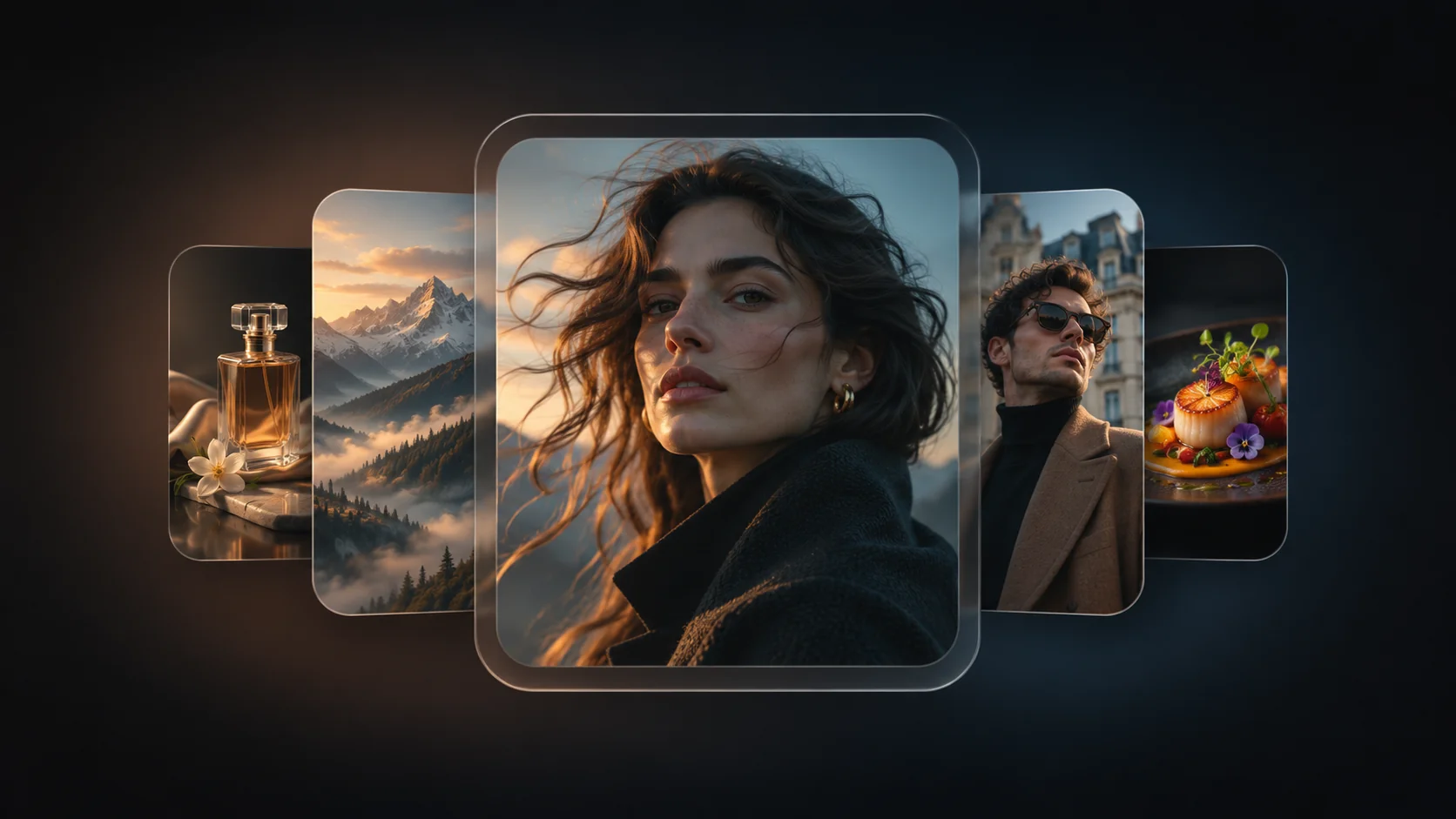
Illustrative AI images, not conversions generated by this tool. They do not establish editing accuracy or likeness.

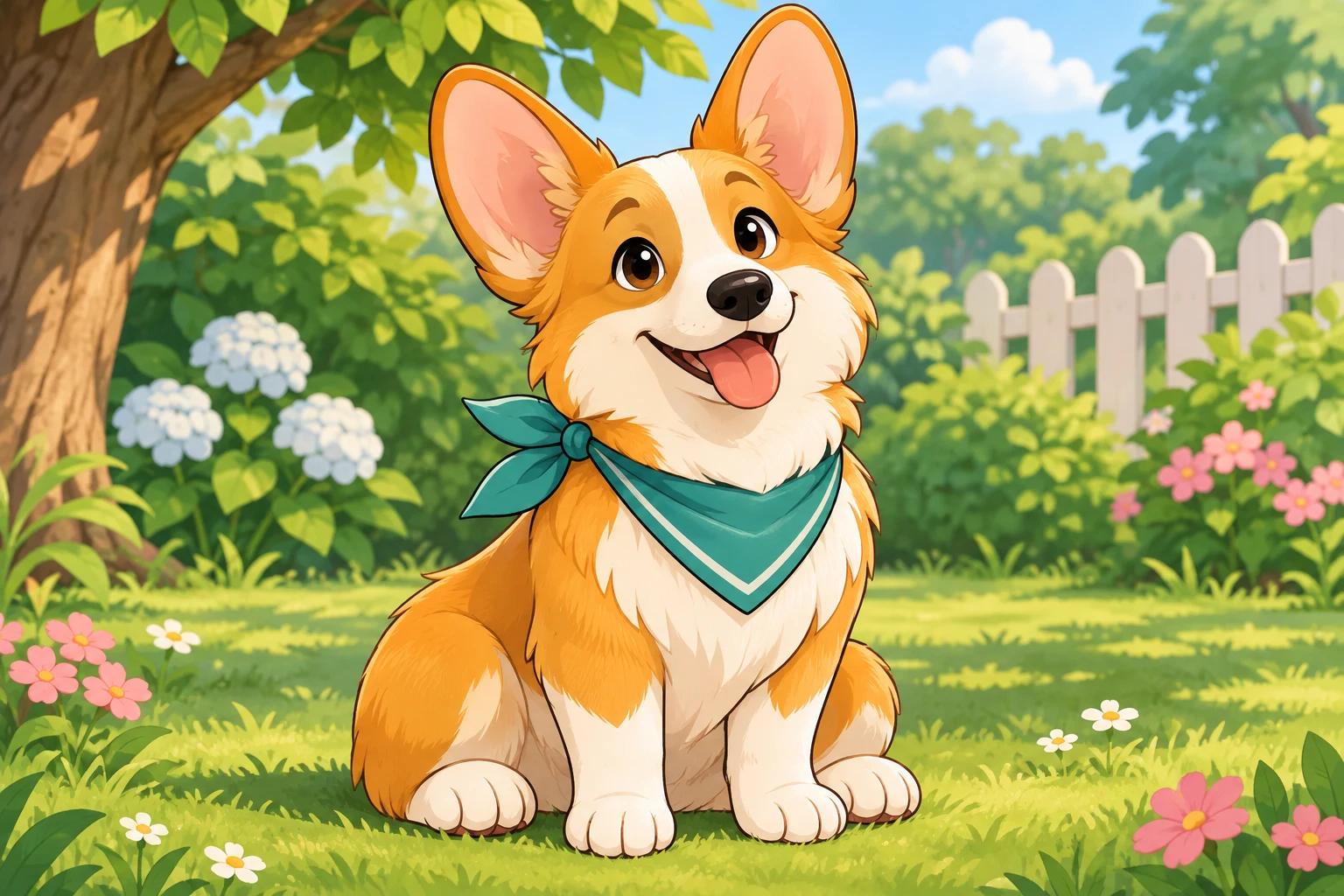

Name a few distinctive details: a hairstyle, glasses, expression or markings. Use a clear source photo and compare those details afterward. Exact likeness is not guaranteed.
Start with a drawing direction and two or three details to keep. For example: “Clean outlines and soft colors; keep the round glasses and relaxed smile; simplify the background.”
Those inputs have not been tested for this workflow. One clear subject is an easier starting point; small or overlapping subjects make details harder to inspect.
Stylization simplifies shapes and can change features. Begin with one style change rather than also changing the pose, background and proportions.
No. The cartoon page supplies a drawing prompt preset for the same configured reference-image model. It is not a separately verified cartoon model.
Review the eyes, hair and silhouette at the small size where the avatar will appear. Inspect the actual dimensions before exporting or printing; a sharp inspiration image is not an output guarantee.
Use the available reference-image controls above with the cartoon preset. Review your source, prompt, settings and displayed cost before confirming a request.
Check rights to the source and the applicable model terms first. AI results can be non-exclusive and may affect third-party rights; this page does not promise commercial clearance or suitability as a brand mark.
One-time packs. No subscription or automatic renewal. Review the pack and its terms before checkout.
One-time credit pack
Review this pack in the secure pricing flow.
One-time credit pack
Review this pack in the secure pricing flow.
One-time credit pack
Review this pack in the secure pricing flow.
Selected: 40 credits. No order or payment has been created.
Review the Terms, Privacy policy and Refund policy before purchasing.
Refund requests are subject to the published 7-day policy and its conditions. Contact support if you need help choosing.
These guides offer ways to describe your task and check a result. Their features and output specifications do not describe this tool.